My VS Code extensions
Intro
There is growing interest in switching to VSCode as a primary IDE, as it is open-source, lightweight, and extensible compared to the bloated IDEs from JetBrains.
Moreover, the popularity of AI tools such as Cursor (VS Code–based) also adds a reason to learn how to build useful workflows in VS Code–based apps.
By the way, JetBrains' products also cannot be used in some countries due to sanctions—because, of course, users are always held responsible for the actions of their governments 🤡, and JetBrains, a company founded in Russia, instead of formally complying with software export rules, makes every effort to prevent developers from using their products—detecting VPNs, revoking licenses, and ultimately forcing Russian developers to resort to unverified pirated copies or switch to other tools.
I've been using VS Code primarily for over 6 years now and I want to share my top extensions that I use in my work.
Spoiler: there won't be any crazy recipes with maximum customization here, VSCode is not neovim 😁
Just the basic extensions for work. For each extension I wrote why I use it. Of course, these extensions can do much more; I just highlight my main pain points in VS Code, which are solved by these extensions. Let's go!
Web Development Extensions
React CSS Modules
 Install: https://marketplace.visualstudio.com/items?itemName=viijay-kr.react-ts-css
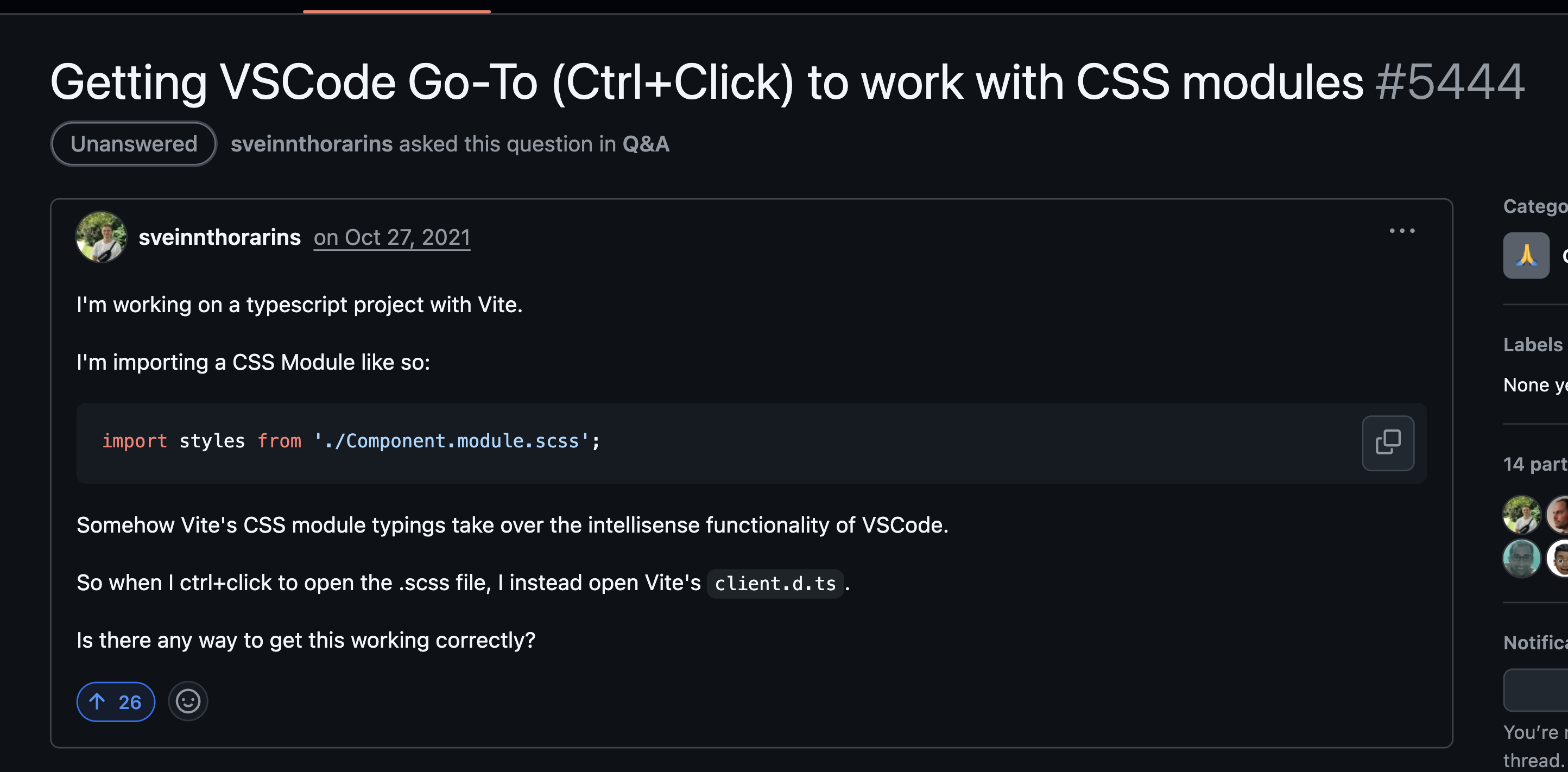
Why: For some reason, TypeScript declarations for CSS modules interfere with the source code, preventing Cmd+Click from working on classnames like this:
<div className={styles.banana}>Alas</div>
There is also a discussion on GitHub: https://github.com/vitejs/vite/discussions/5444
Auto Rename Tags
 Install: https://marketplace.visualstudio.com/items?itemName=formulahendry.auto-rename-tag
Why: Easily rename closing tags while editing the opening tag.
ESLint
 Install: https://marketplace.visualstudio.com/items?itemName=dbaeumer.vscode-eslint
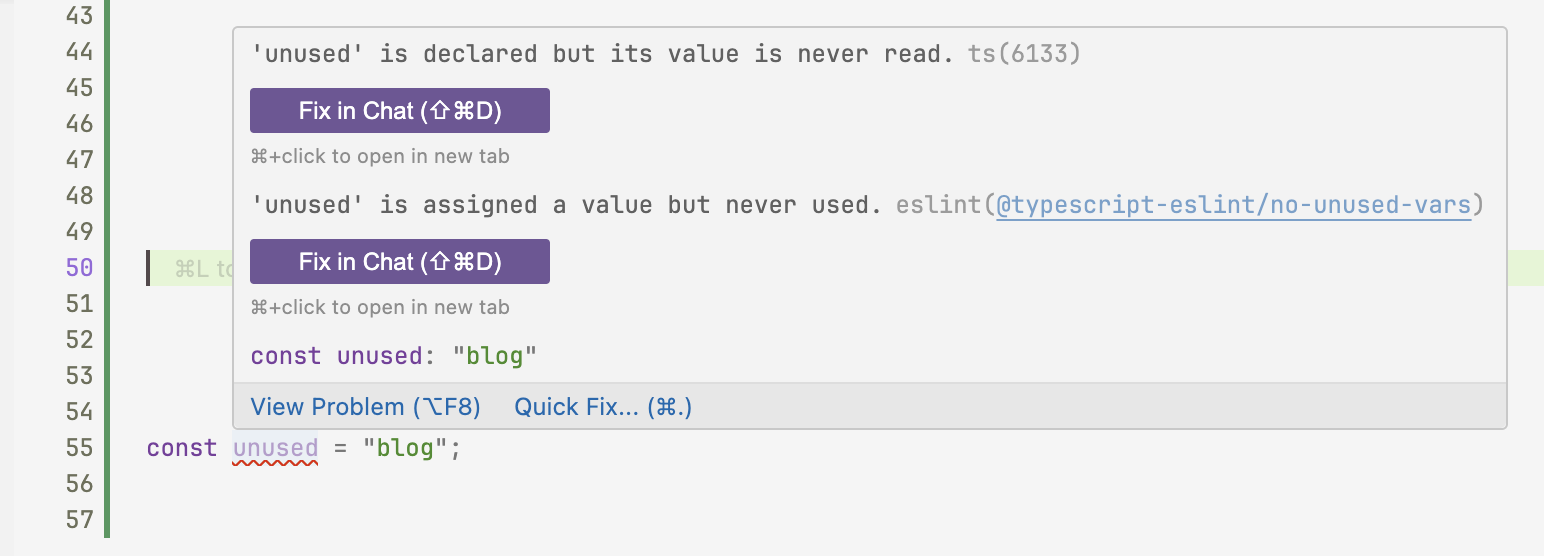
Why: See linter warnings for your JavaScript and TypeScript code directly in the IDE, blazingly fast.
Import Cost
 Install: https://marketplace.visualstudio.com/items?itemName=wix.vscode-import-cost
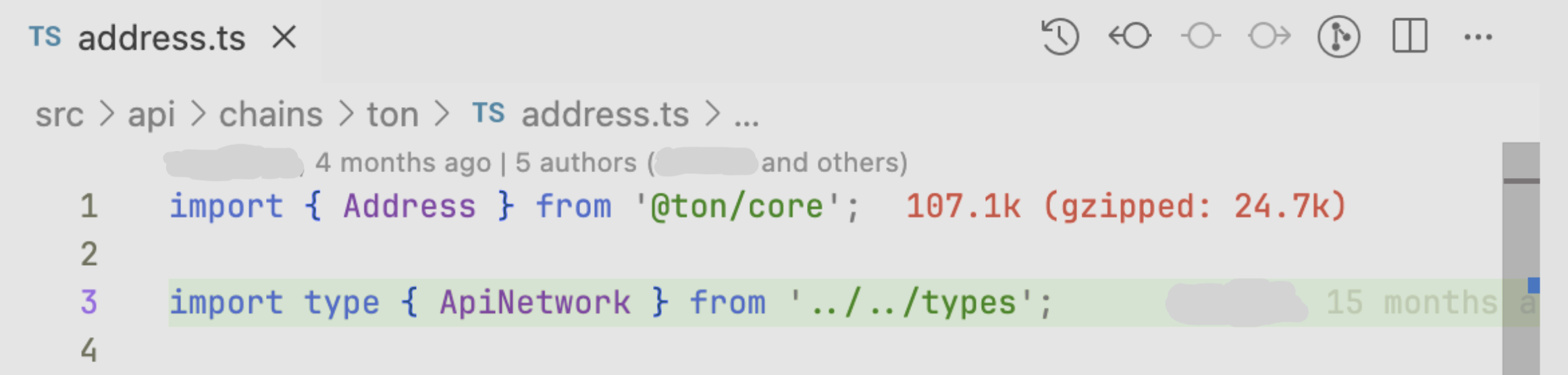
Why: Shows the impact on bundle size from imports.
JavaScript and TypeScript Nightly
 Install: https://marketplace.visualstudio.com/items?itemName=ms-vscode.vscode-typescript-next
Why: I often use the newest TypeScript features in my projects, but the built-in version lags behind.
Path Intellisense
 Install: https://marketplace.visualstudio.com/items?itemName=christian-kohler.path-intellisense
Why: Improved path autocompletion.
SCSS Formatter
 Install: https://marketplace.visualstudio.com/items?itemName=sibiraj-s.vscode-scss-formatter
Why: A nice SCSS/CSS formatter powered by Prettier.
SCSS IntelliSense
 Install: https://marketplace.visualstudio.com/items?itemName=mrmlnc.vscode-scss
Why: Autocomplete for SCSS variables, mixins, and functions.
Prisma
 Install: https://marketplace.visualstudio.com/items?itemName=Prisma.prisma
Why: Syntax highlighting for .prisma files, used by Prisma ORM.
Git and Version Control Extensions
Git History
 Install: https://marketplace.visualstudio.com/items?itemName=donjayamanne.githistory
Why: View line history to quickly identify who to contact regarding the code you're working on.
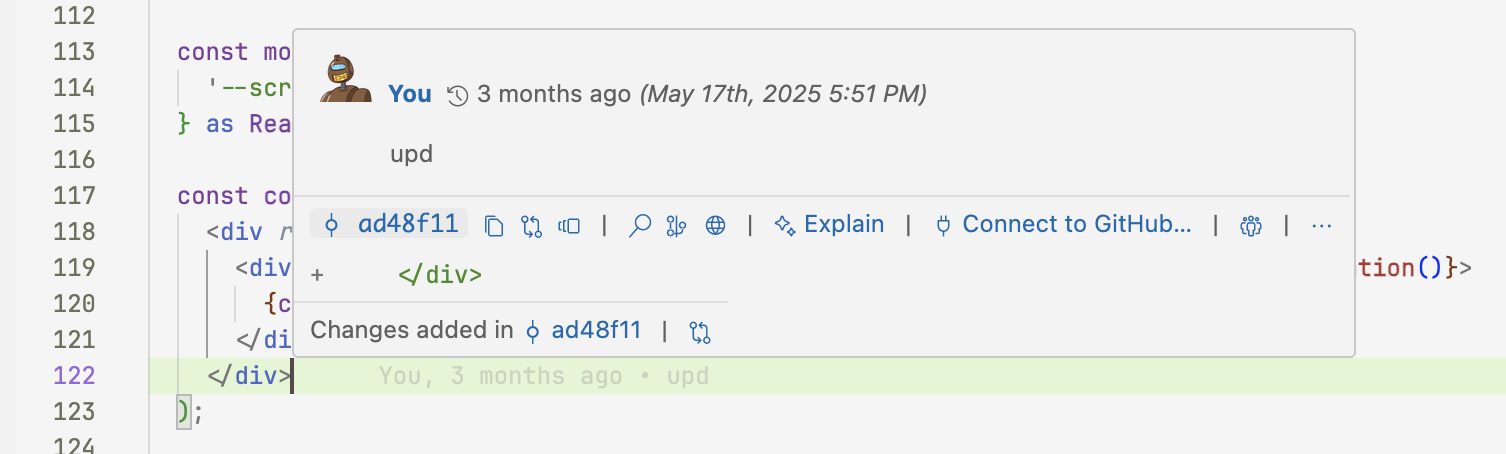
GitHub Pull Requests
 Install: https://marketplace.visualstudio.com/items?itemName=GitHub.vscode-pull-request-github
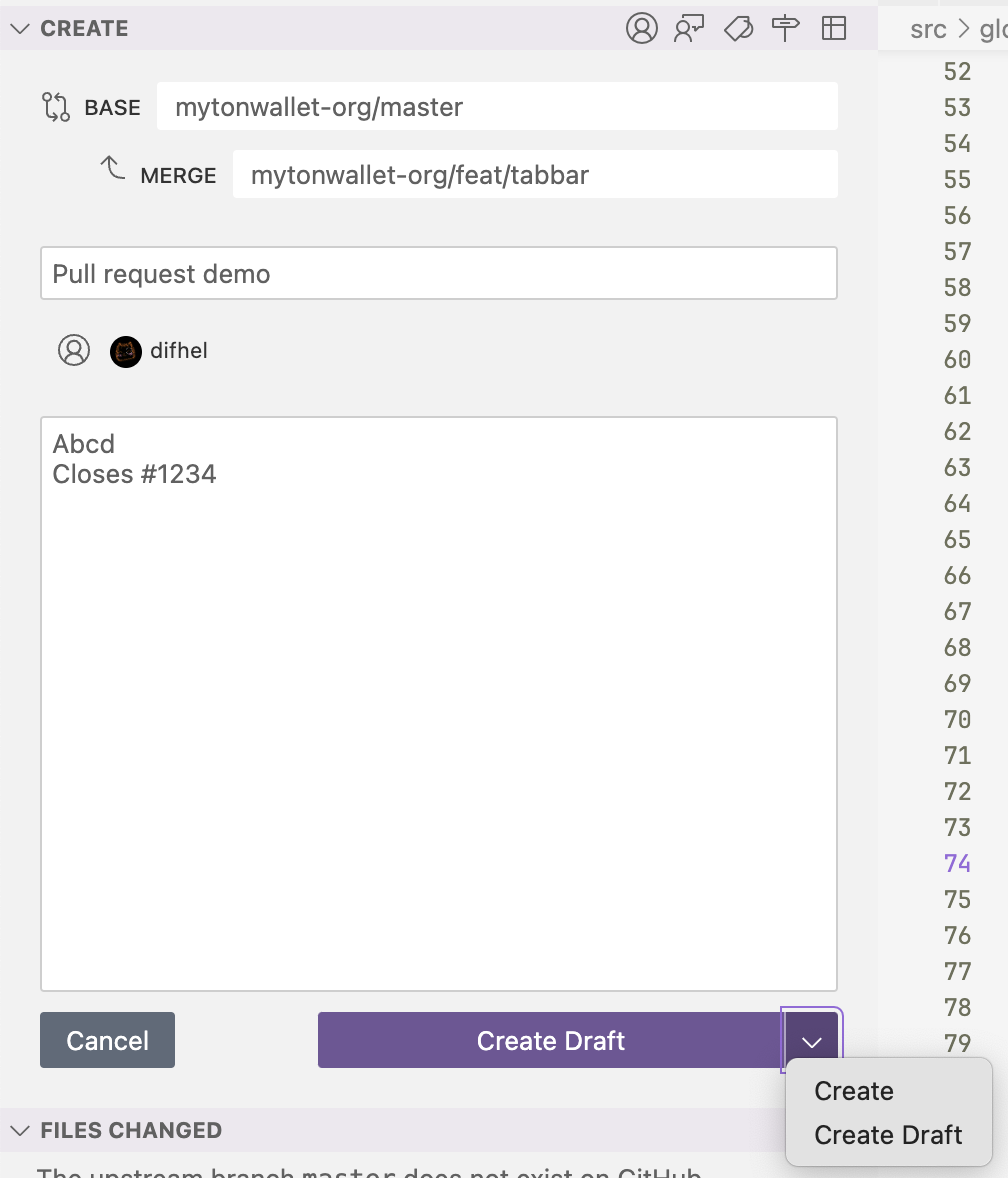
Why: Quickly create pull requests from branches and view code review comments directly in the IDE.
GitLens — Git supercharged
 Install: https://marketplace.visualstudio.com/items?itemName=eamodio.gitlens
Why: Extended Git support in VS Code.
Productivity and Utility Extensions
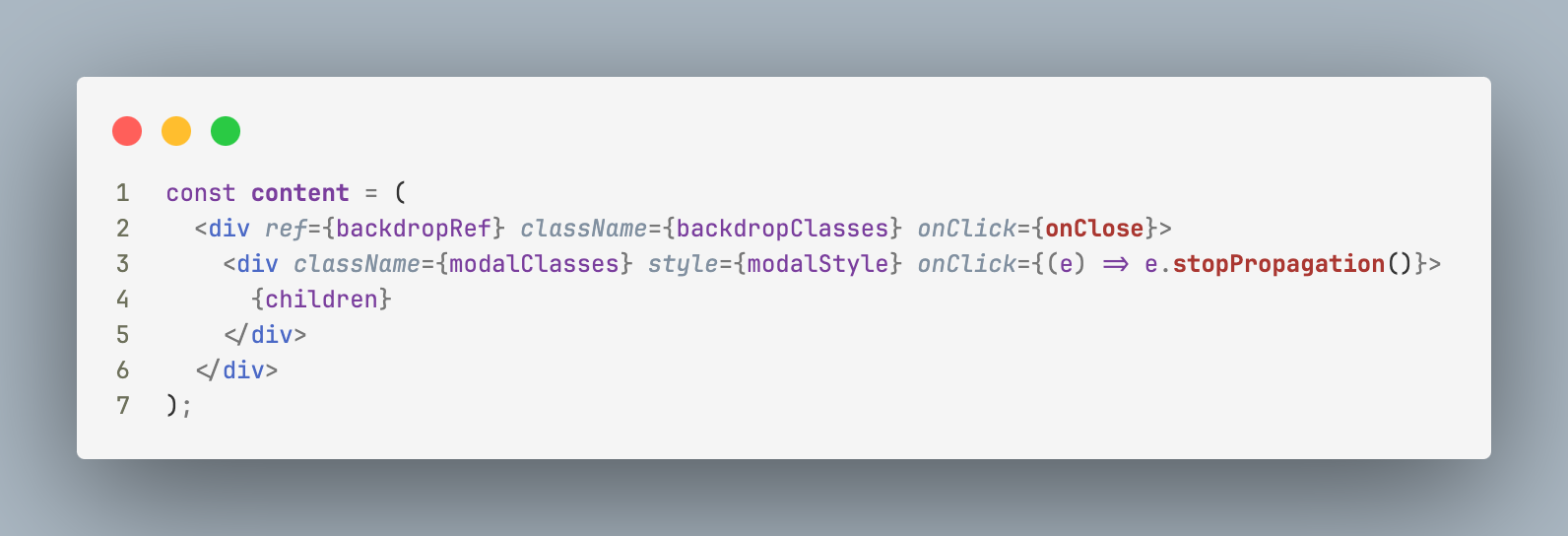
CodeSnap
 Install: https://marketplace.visualstudio.com/items?itemName=adpyke.codesnap
Why: Quickly save screenshots of your code.
Peacock
 Install: https://marketplace.visualstudio.com/items?itemName=johnpapa.vscode-peacock
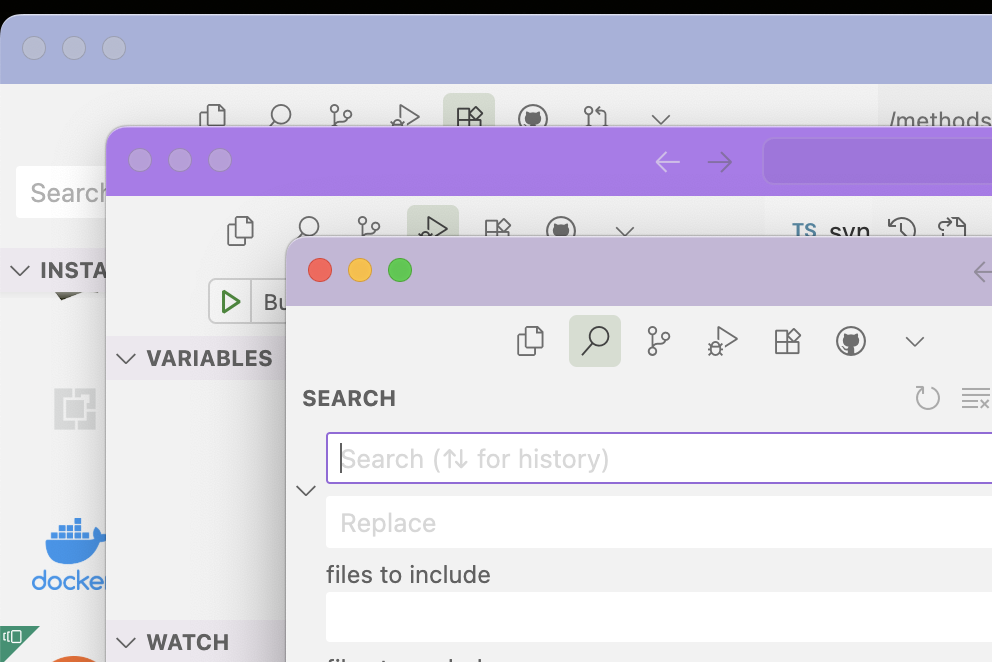
Why: Easily manage multiple VS Code windows by coloring the title bars differently for each project.
Code Spell Checker
 Install: https://marketplace.visualstudio.com/items?itemName=streetsidesoftware.code-spell-checker
Why: Finds misspellings and errors in your text, variable names, etc. Also supports additional languages (e.g., Russian) as add-ons.
svgo
 Install: https://marketplace.visualstudio.com/items?itemName=1000ch.svgo
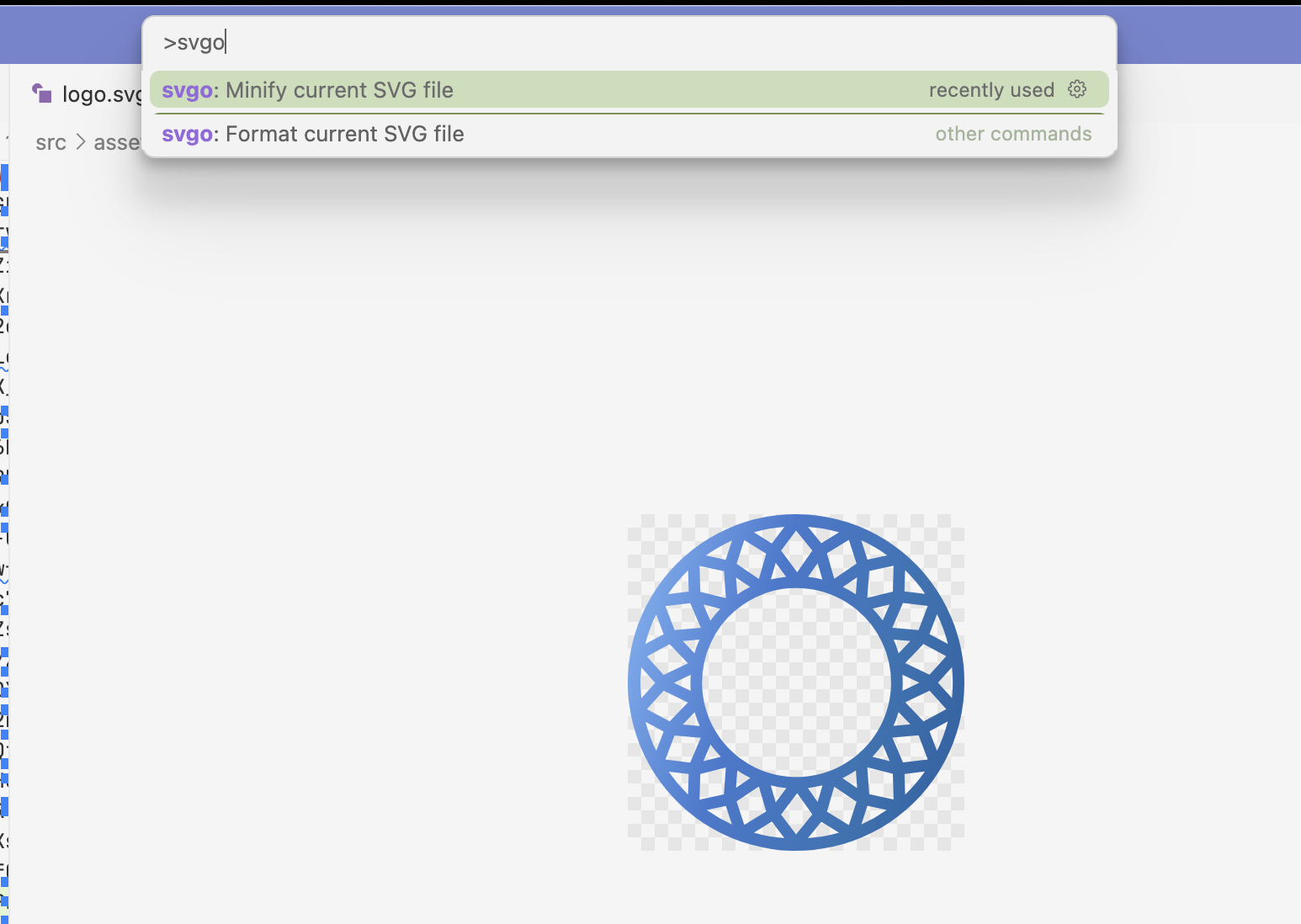
Why: Easily optimize SVGs directly in the IDE.
File and Data Handling Extensions
Docker
 Install: https://marketplace.visualstudio.com/items?itemName=ms-azuretools.vscode-docker
Why: Syntax highlighting for Dockerfiles.
Rainbow CSV
 Install: https://marketplace.visualstudio.com/items?itemName=mechatroner.rainbow-csv
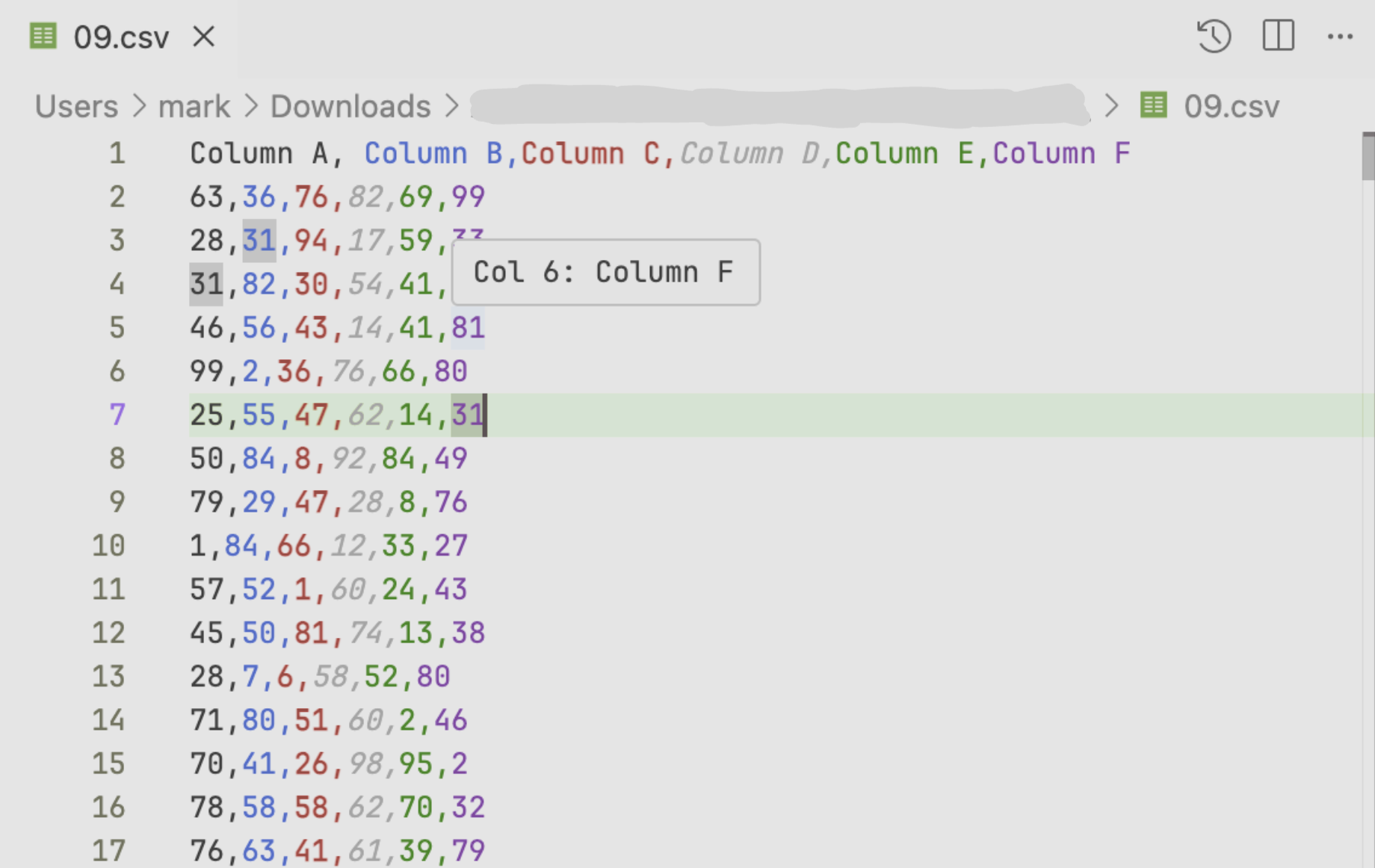
Why: Highlights columns in CSV files for better readability.
SQLite Viewer
 Install: https://marketplace.visualstudio.com/items?itemName=qwtel.sqlite-viewer
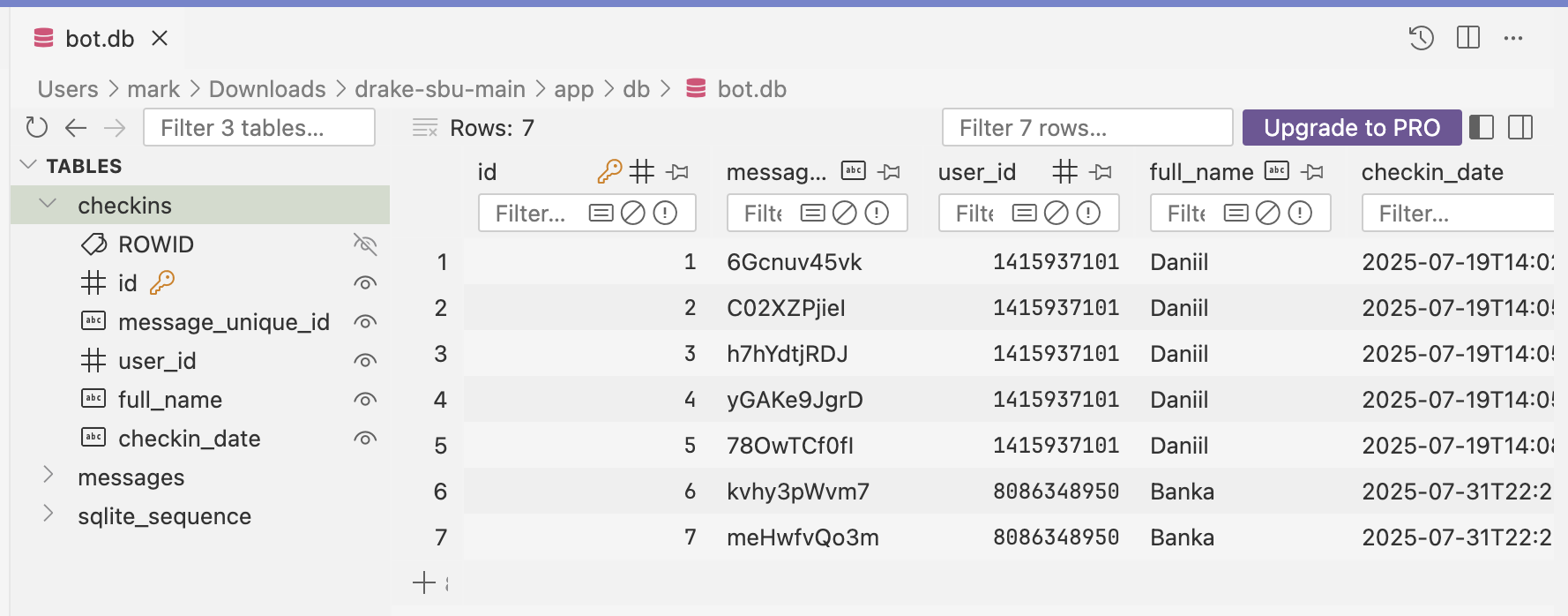
Why: A quick and easy SQLite viewer.
Python Development Extensions
Python
 Install: https://marketplace.visualstudio.com/items?itemName=ms-python.python
Why: Python support for VS Code.
Python Debugger
 Install: https://marketplace.visualstudio.com/items?itemName=ms-python.debugpy
Why: Advanced Python debugger.
Pylance
 Install: https://marketplace.visualstudio.com/items?itemName=ms-python.vscode-pylance
Why: Supercharges your Python IntelliSense with rich type information.
C/C++ and Build Tool Extensions
CMake
 Install: https://marketplace.visualstudio.com/items?itemName=twxs.cmake
Why: Basic support for CMake files.
CMake Tools
 Install: https://marketplace.visualstudio.com/items?itemName=ms-vscode.cmake-tools
Why: Advanced support for CMake: run your CMake projects from the UI.
clangd
 Install: https://marketplace.visualstudio.com/items?itemName=llvm-vs-code-extensions.vscode-clangd
Why: Advanced code completion and language support for C/C++. I recommend using clang instead of gcc for its better stability and frequent updates. clangd is the language server that comes with clang, and this extension enables it in VS Code.
C/C++
 Install: https://marketplace.visualstudio.com/items?itemName=ms-vscode.cpptools
Why: Basic support for C/C++ languages, including IntelliSense.
C/C++ Themes
 Install: https://marketplace.visualstudio.com/items?itemName=ms-vscode.cpptools-themes
Why: Better semantic colorization instead of just the default syntactic/lexical-based one.
That’s all for now. Feel free to share other extensions you find useful in the comments.